Impersonate Bank Customer User
Last updated: March 18, 2026
How to Impersonate a User
As a Partner/bank admin, you'll be able to login as a Bank Customer User to assist your customers.
There are two options:
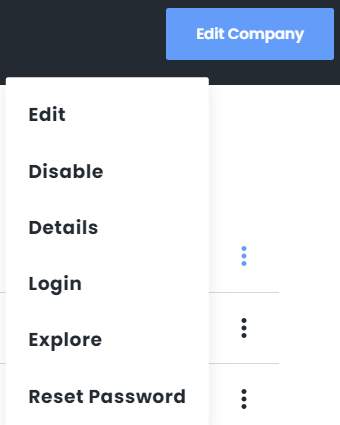
Explore - View-only access that will not log your customer out of PayRecs while you troubleshoot with them.
Login - View/Modify access as the selected user. This will require 2FA access from the user and will log the customer out. You will be able to create recipients and payments on their behalf.
Warning:
2FA will be your customer's information, so they must be available to provide the code for you to successfully log in.
Select Company
Login as a Partner/Admin user
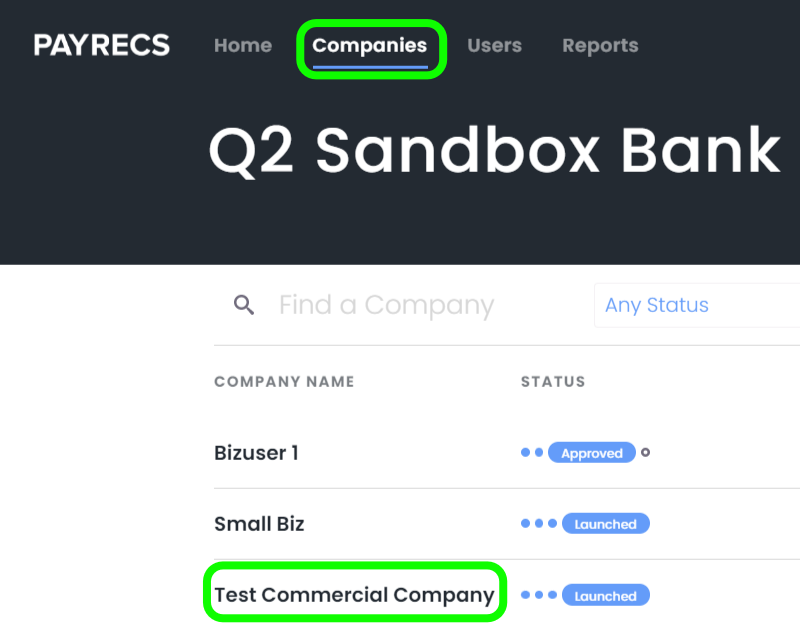
Navigate to the "Companies" menu and select the company that the user is under
People
Select the "People" sub-menu

Select User
Hover your cursor over the 3 dots to the right of the desired User, select either Explore or Login.
Explore - View only access that will not log your customer out of PayRecs.
Login - View/Modify access as the selected user. This will require 2FA access from the user and will log the customer out. You will be able to create recipients and payments on their behalf.