How to Change Admin Permissions
Last updated: July 16, 2026
Edit Admin User Permissions
Access Admin User Permissions
To access or change these permissions, login as a "Bank Admin User" by going to: payrecsapp.com.
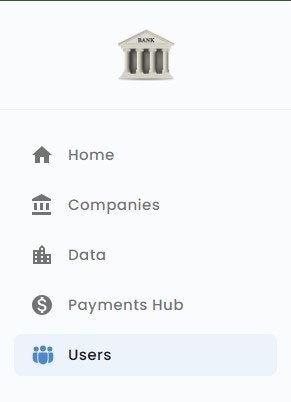
Navigate to the Users menu
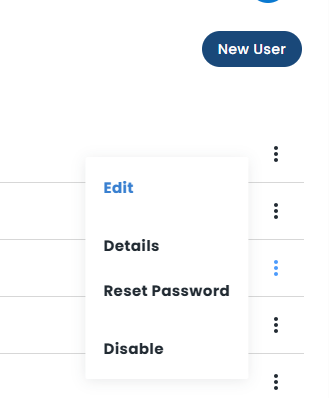
Click on the user's name and select "Edit User"
OR
Hover your mouse over the 3 dots on the right side of the user and select "Edit"
Edit necessary user information
Note: Email cannot be changed once the user has set their password.
Reference the Bank admin user permissions and definitions article if needed
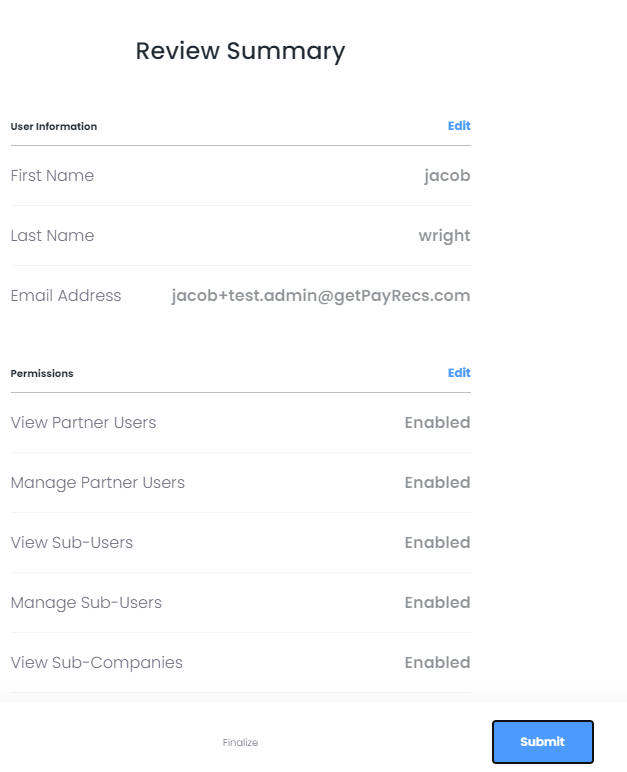
Review any changes made and select "Submit" to confirm the changes.