Export Virtual Account Transactions to CSV
Last updated: March 18, 2026
Accounts
Login to the PayRecs app
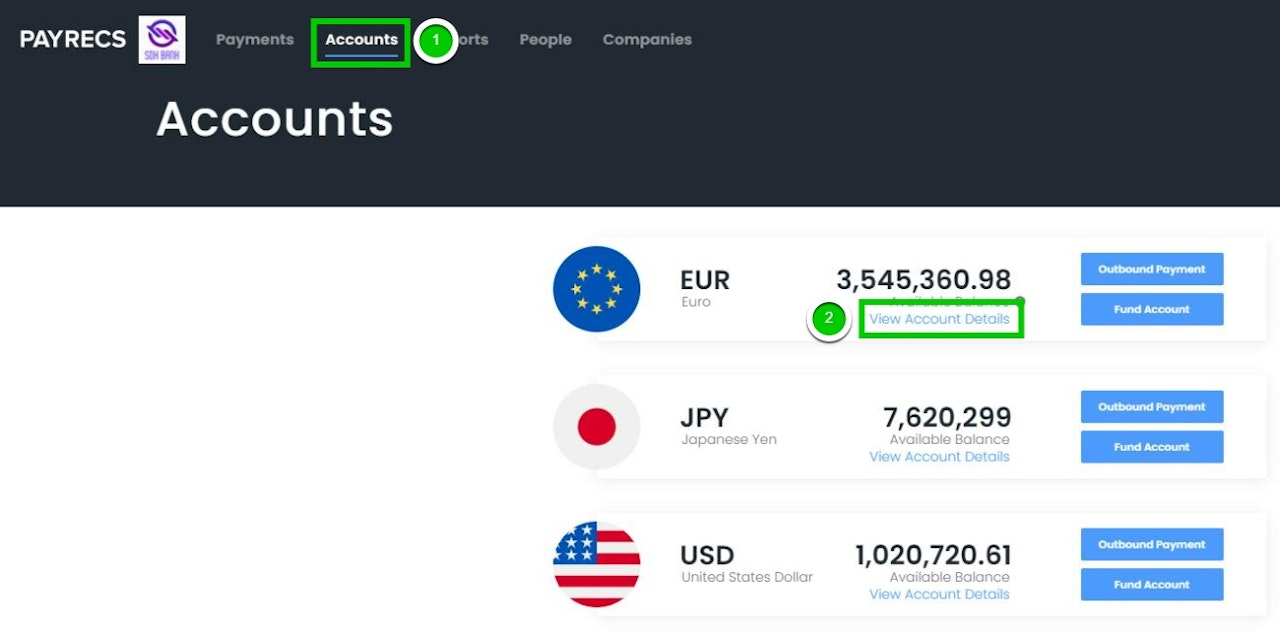
Navigate to the "Accounts" menu at the top
Select "View Account Details" under the virtual account you would like to export
View Transaction Details
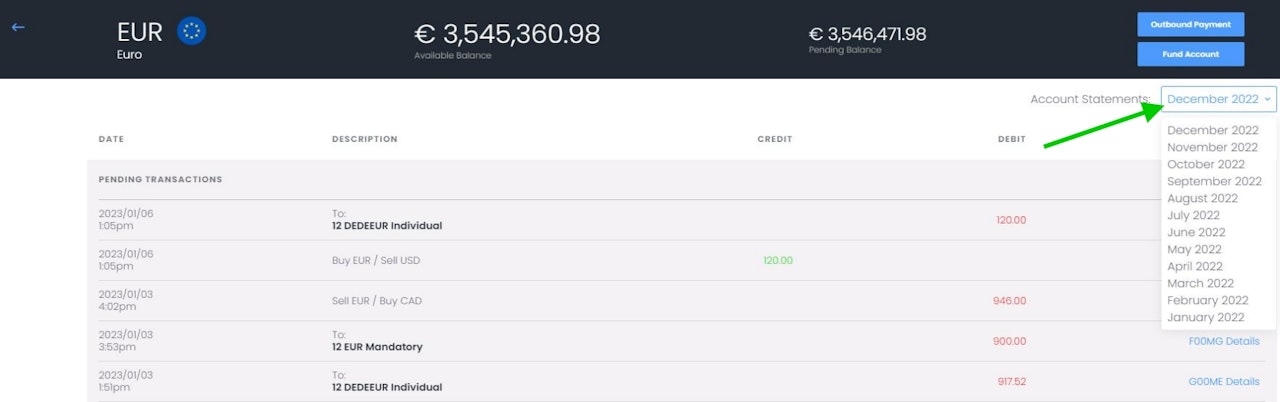
Select the "Account Statements" drop-down menu and select the month you would like to export to a .csv file.
Warning:
After selecting the month you'd like to export in the drop down, it will take time for the report to generate. The report will pop-up in your downloads when ready for use.