Email Notifications(FI)
Last updated: June 16, 2026
FI Admins
Onboarding
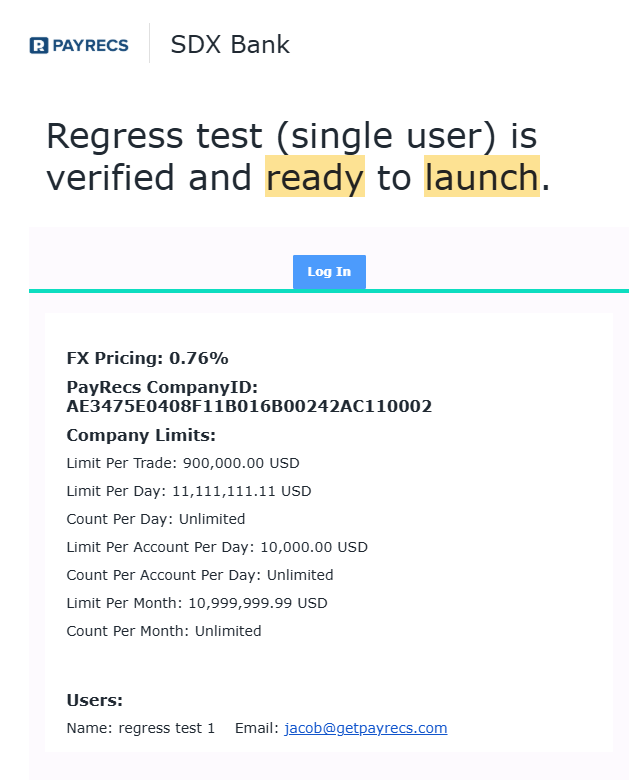
Company is ready to launch - Notifies the back office when a company has been approved by the processor and is ready to launch in PayRecs.
Subject: <Company Name> is ready to launch
Payments:
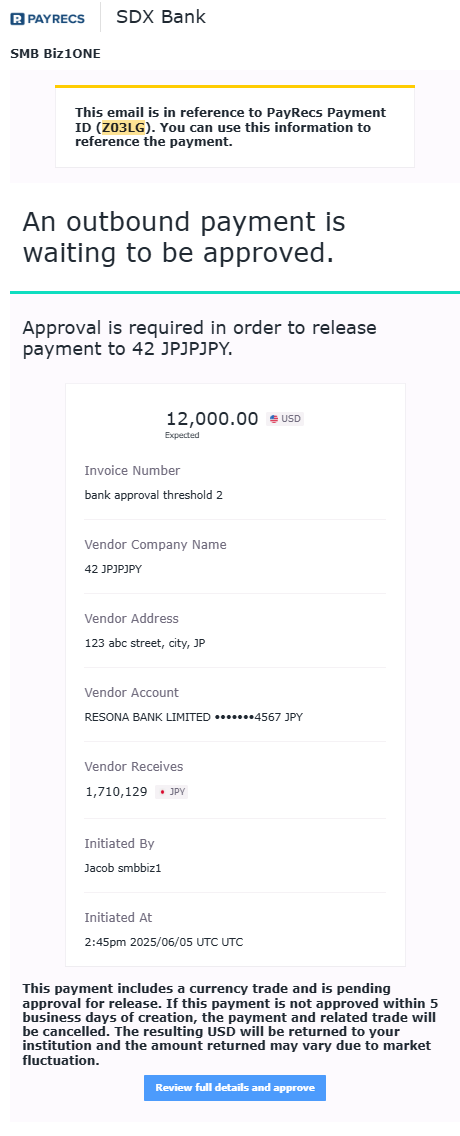
Payment approval required - Notifies approving users that a new payment requires approval
Subject: Approval Needed for payment to <Recipient Name> - Invoice <Invoice #> (<PaymentId>)
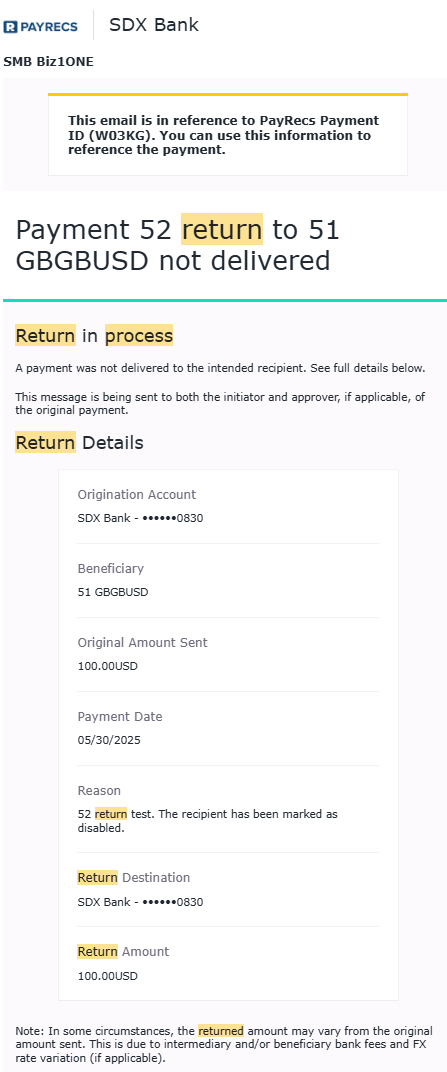
Return in process - Notifies the back office of returning funds. Funds will need to be moved back to the customer's originating account when received.
Subject: Payment <Invoice #> to <Recipient Name> not delivered - Return in Process. (<PaymentId>)
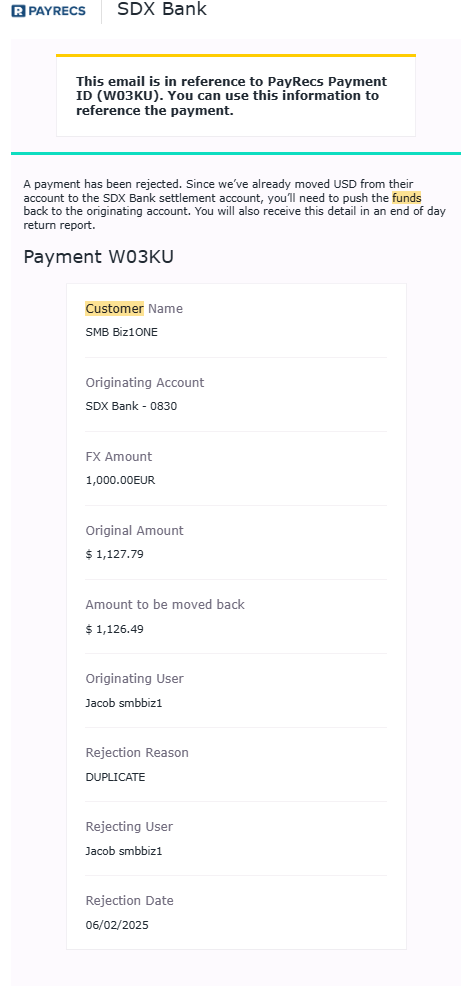
Reverse customer funds - Funds have been placed in the settlement account, but need to be moved back to the originating account due to the sender rejecting the wire.
Subject: Payment: <PaymentId> Rejected - Reverse Customer Funds
Compliance
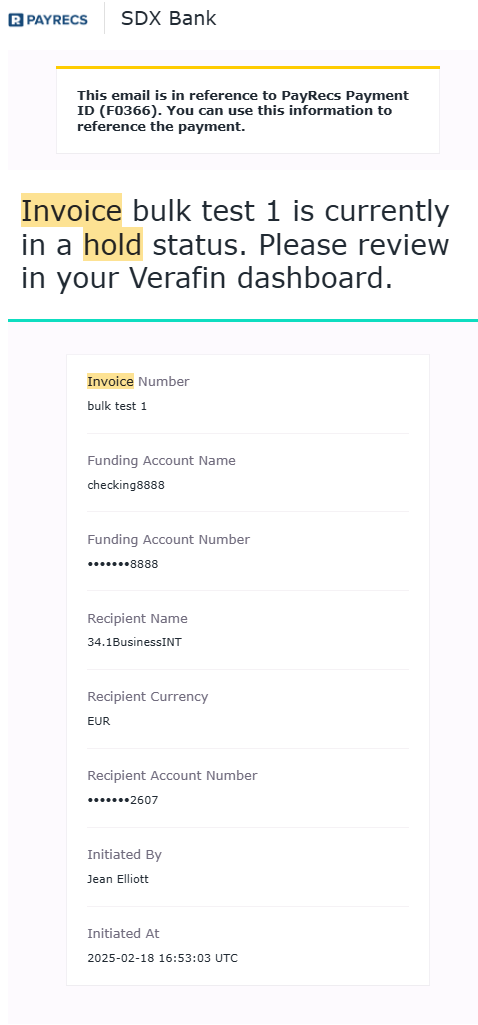
Verafin hold on a payment - Verafin has placed the payment on hold and requires attention in the Verafin portal
Subject: Hold for Invoice <invoice name> (<PaymentId>)
Other
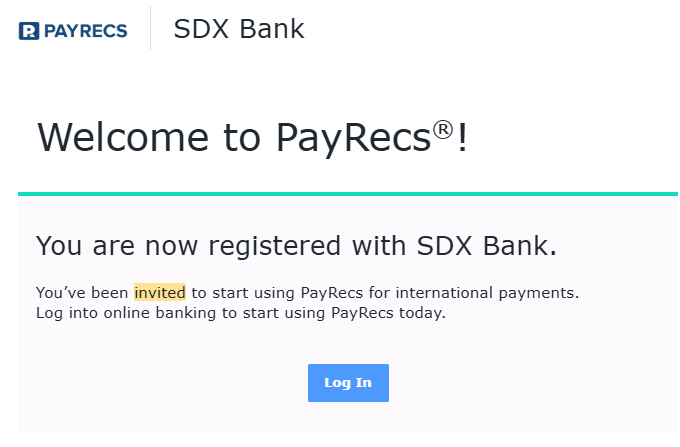
Admin user invitation - Sent when inviting other admin users to the platform
Subject: "You've been invited to use PayRecs!"
Cases
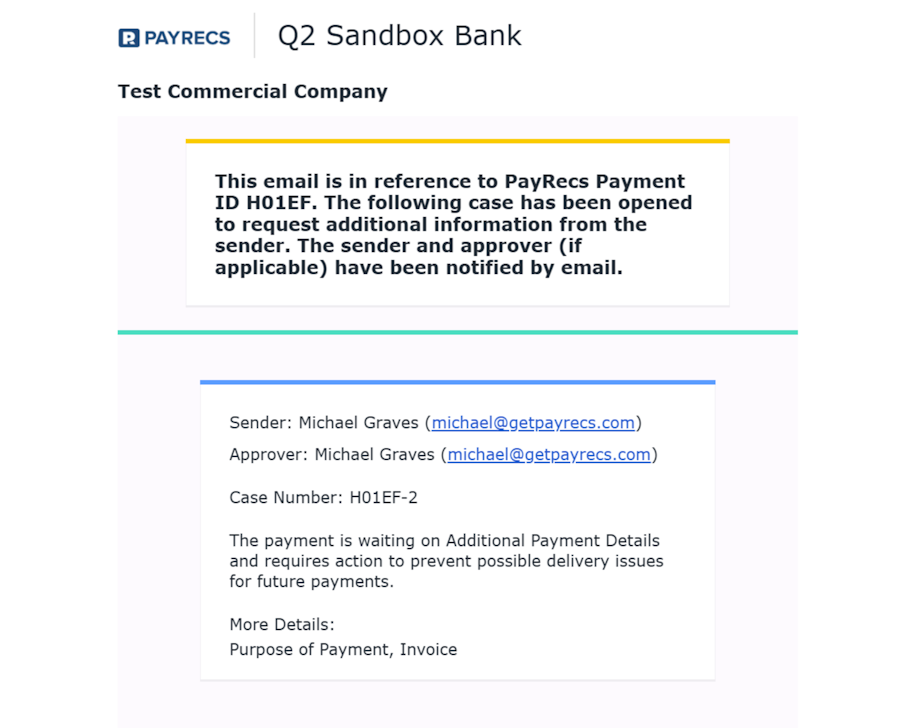
Case Initiated Email to Admin Users - Sent to admin team when a new case is opened. To receive these you will have to enable in user permissions.
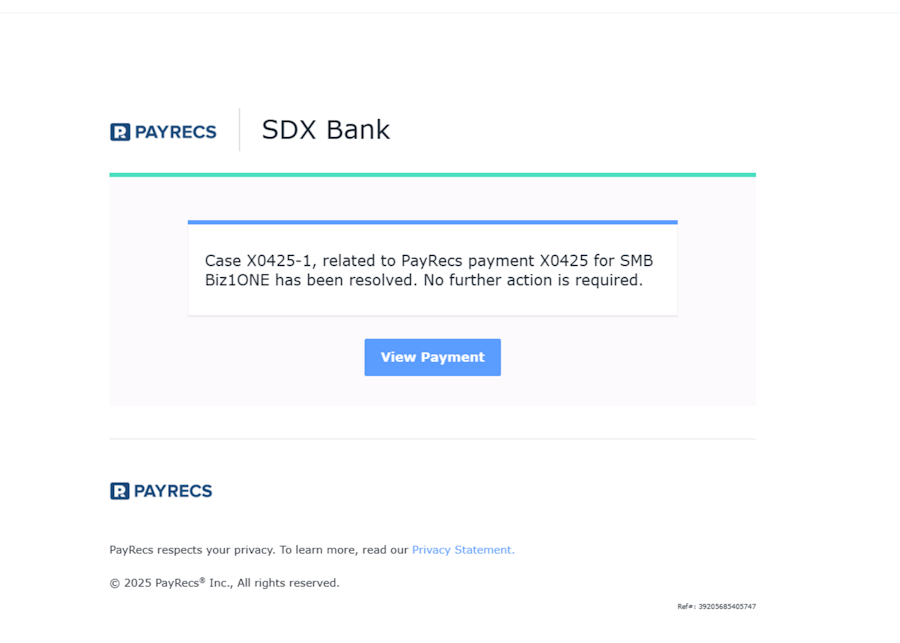
Email Notification Bank Admin Users Receive When a Case is Resolved - This will take you to the payment in the cases tab within your partner portal
End Users
Payment Notifications
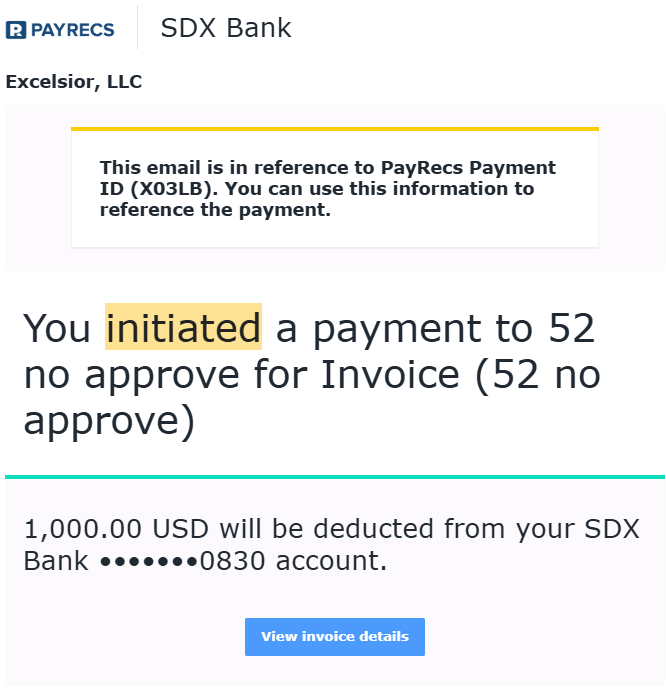
Initiated a payment - Payment has been created and does not require dual approval
Subject: You initiated a payment to <Recipient Name> (<Invoice #>) (<PaymentId>)
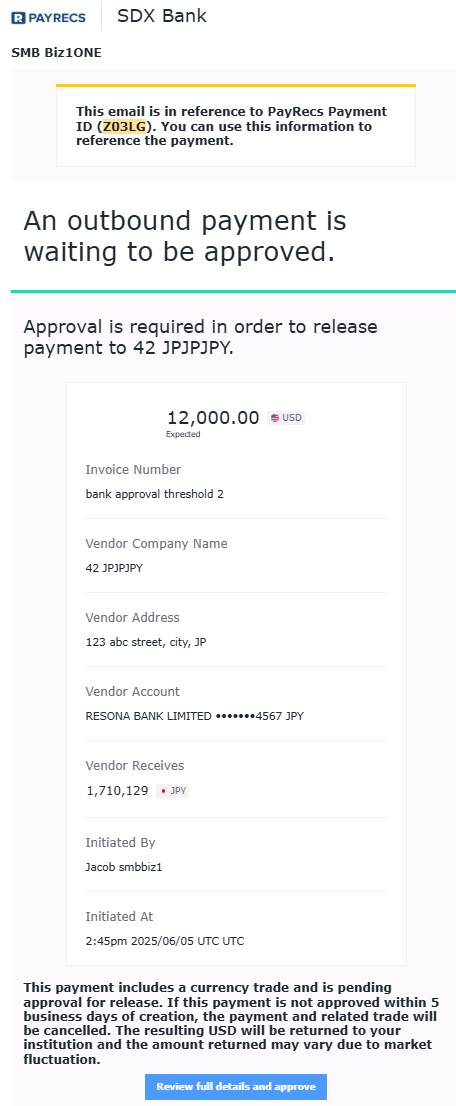
Payment approval (configurable to recur daily as a reminder if payment not approved)
Subject: Approval Needed for payment to <Recipient Name> - Invoice <Invoice #> (<PaymentId>)
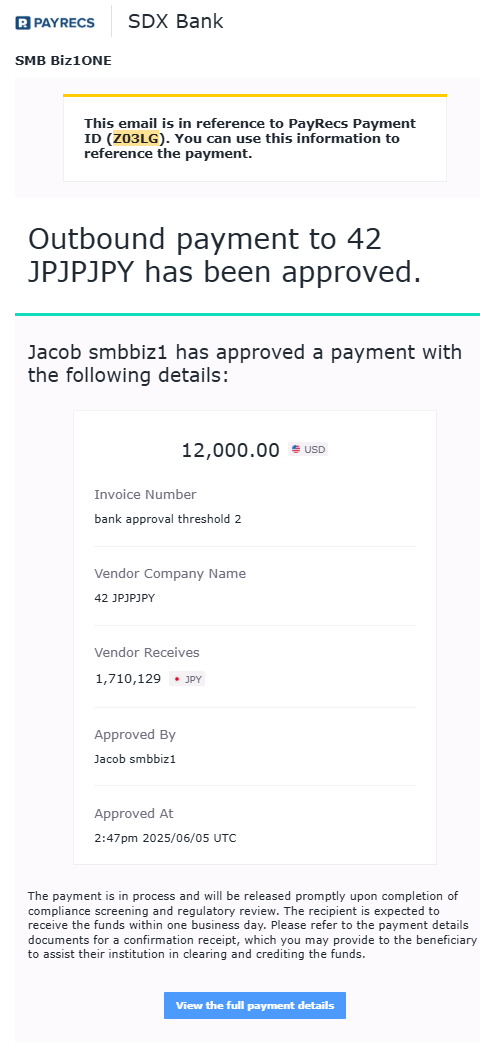
Payment has been approved
Subject: Payment to <Recipient Name> (Invoice <Invoice #>) has been approved. (<PaymentId>)
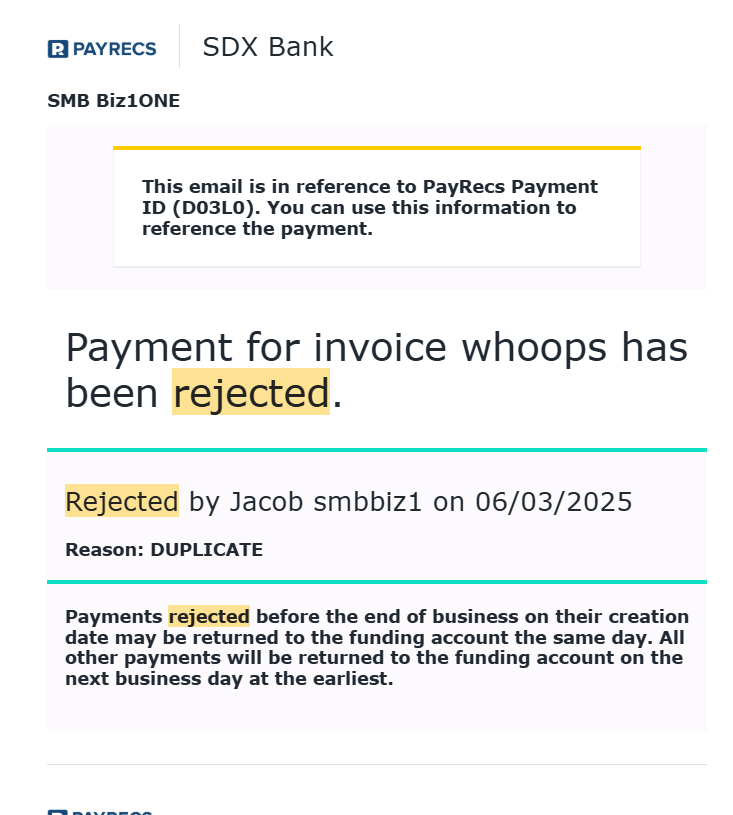
Payment has been rejected - Notifies approving and initiating users that the payment has been rejected
Subject: Payment Rejected - Invoice <Invoice #> (<PaymentId>))
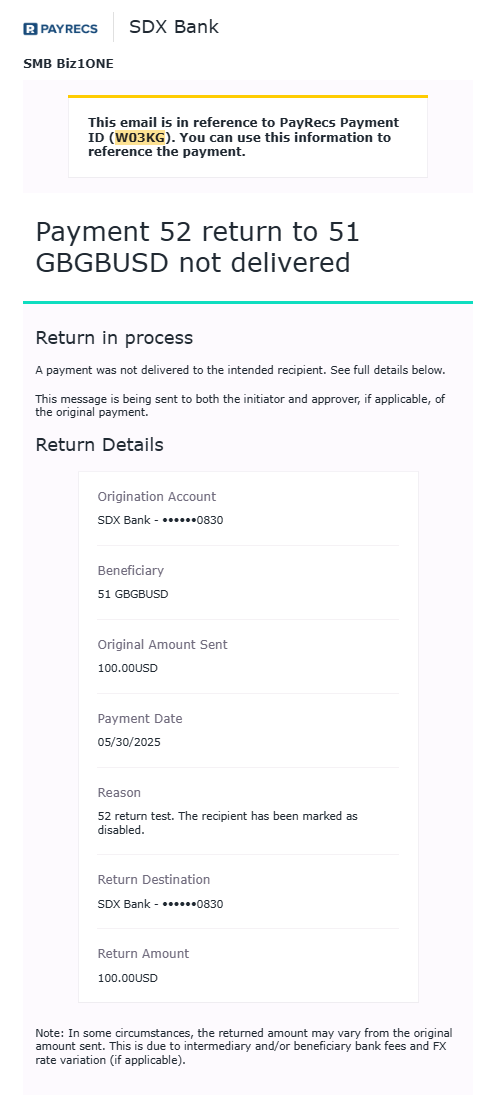
Return in process - Notifies the sender that the returning funds are being processed.
Subject: Payment <Invoice #> to <Recipient Name> not delivered - Return in Process. (<PaymentId>)
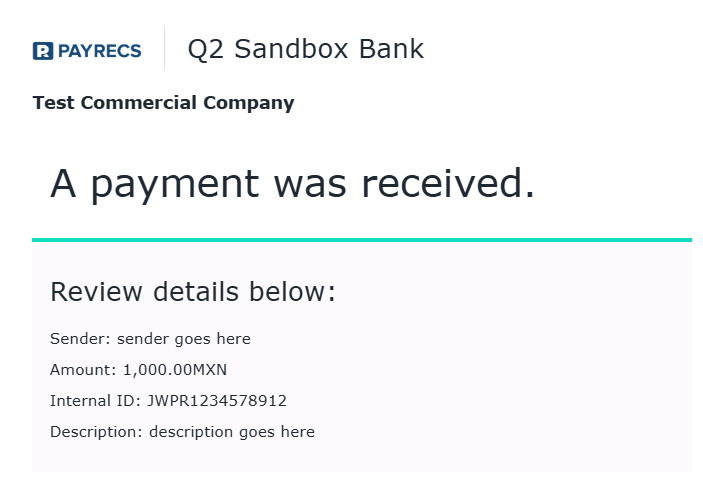
Incoming FX wire - Incoming FX funds have been placed in your virtual account
Subject: Incoming funds applied to your <virtual account currency> account from <sender name>
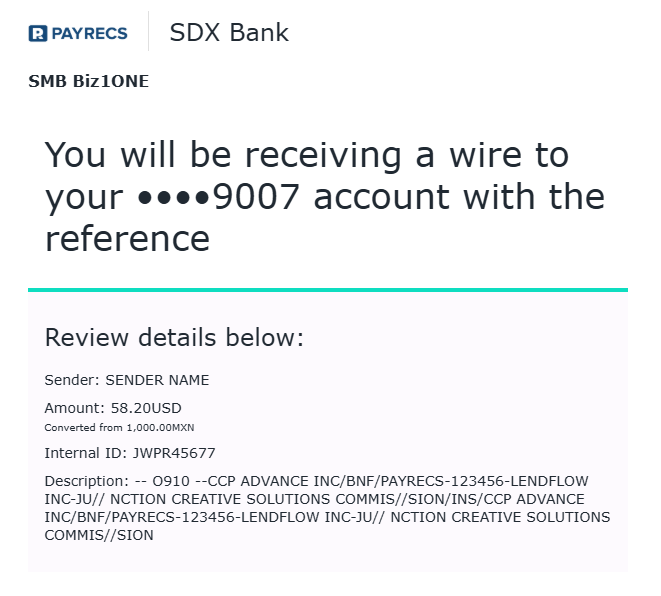
Incoming wire autoconverted to USD -
Subject: Incoming funds applied to your <obfuscated Account Number> account from <sender name>
Recipient
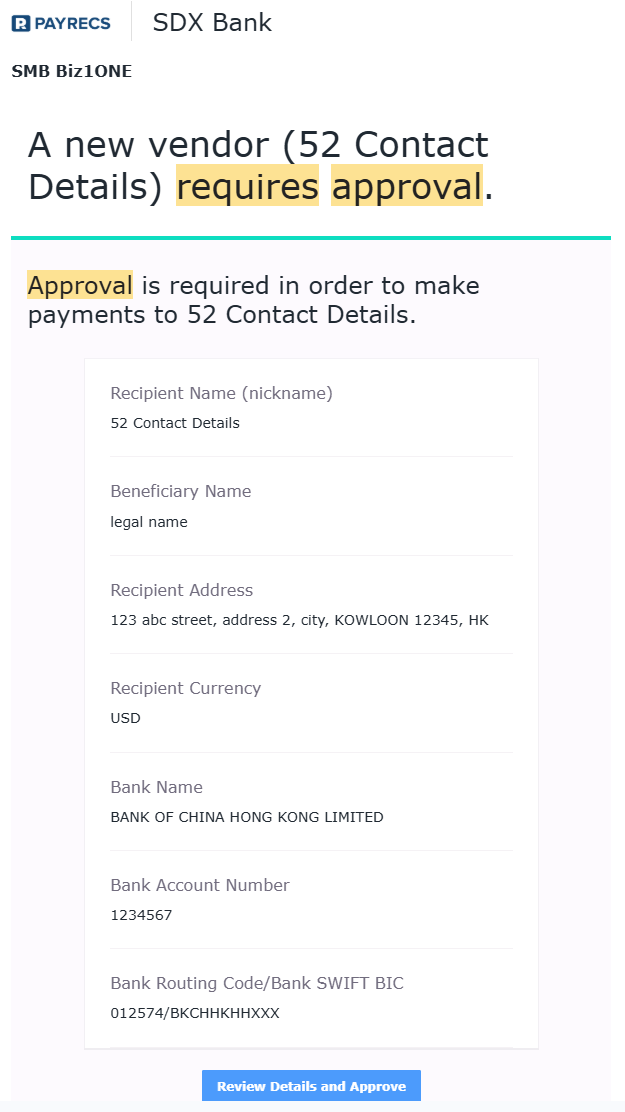
Recipient requires approval - released to all users that can approve recipients.
Subject: A new recipient (<Recipient Name>) requires approval.
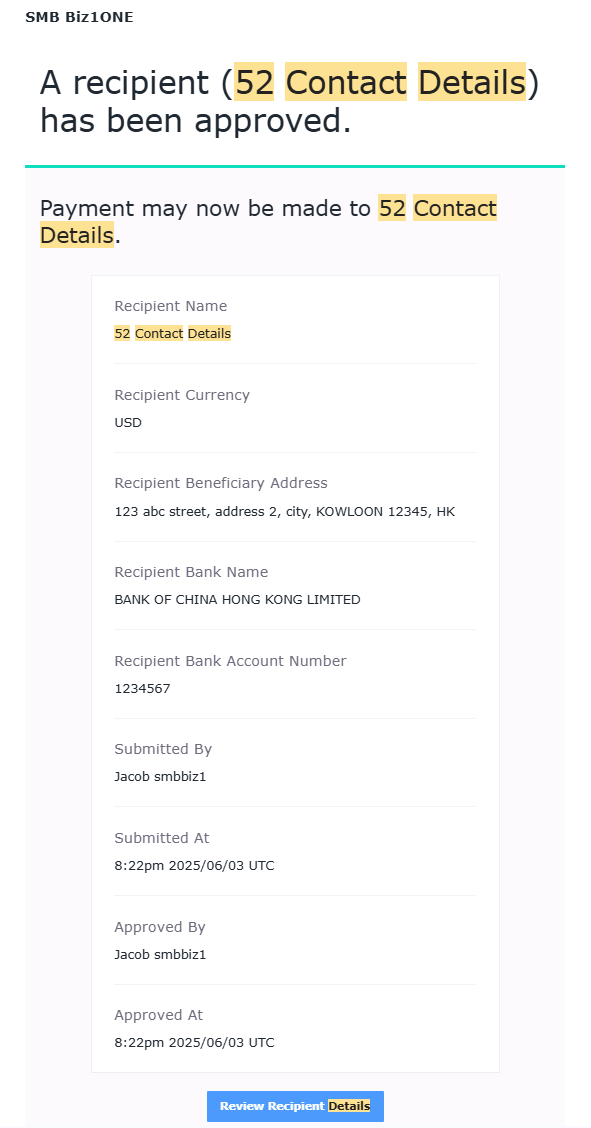
Recipient approved - released to all users that can approve recipients.
Subject: A recipient (<Recipient Name>) has been approved.
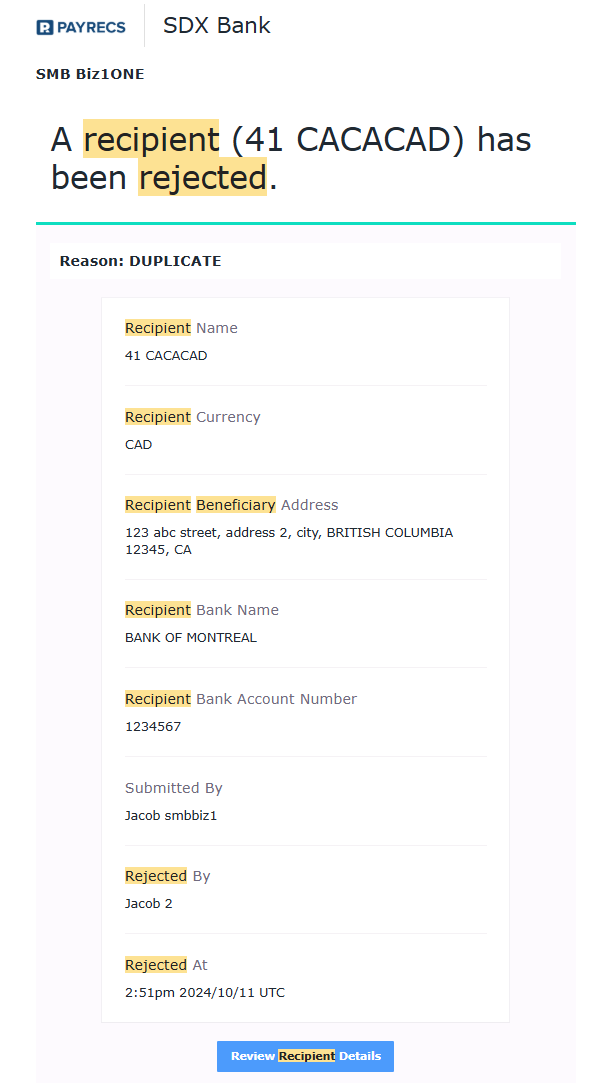
Recipient has been rejected - released to all users that can reject recipients.
Subject: A recipient (<Recipient Name>) has been rejected.
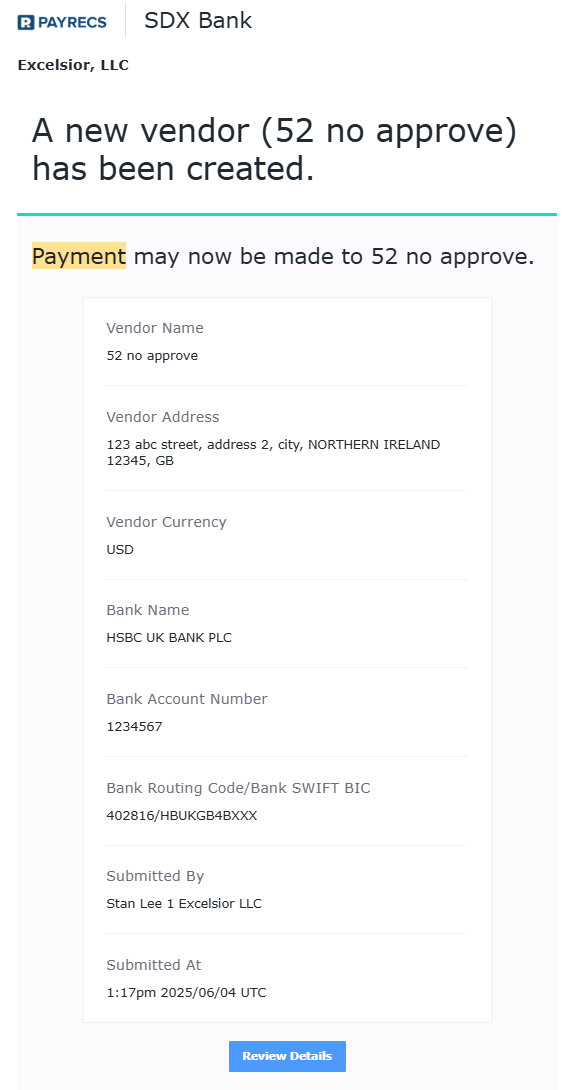
Recipient Ready for Payment - Released when recipient approval is not required and the recipient is ready to use.
Subject: A new vendor (Recipient name) is ready to receive payment
Cases
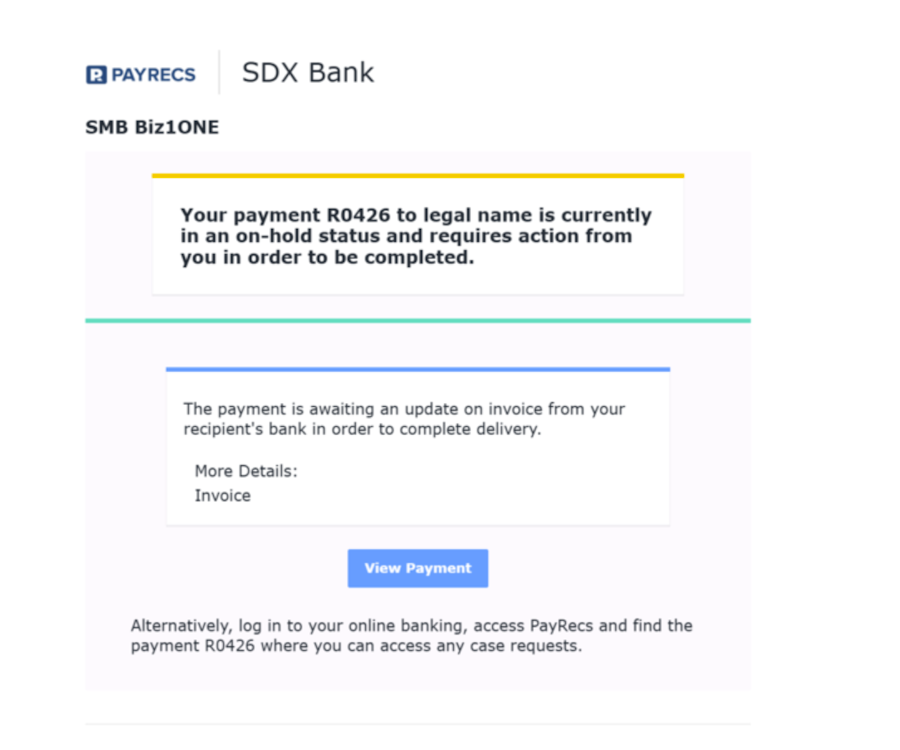
Email Notification End User Receives When a Payment Needs Their Attention - This will take the user to their OLB > case
Email Notification End user Will Receive When their Case has an Update - This link will take them to the case in the cases tab
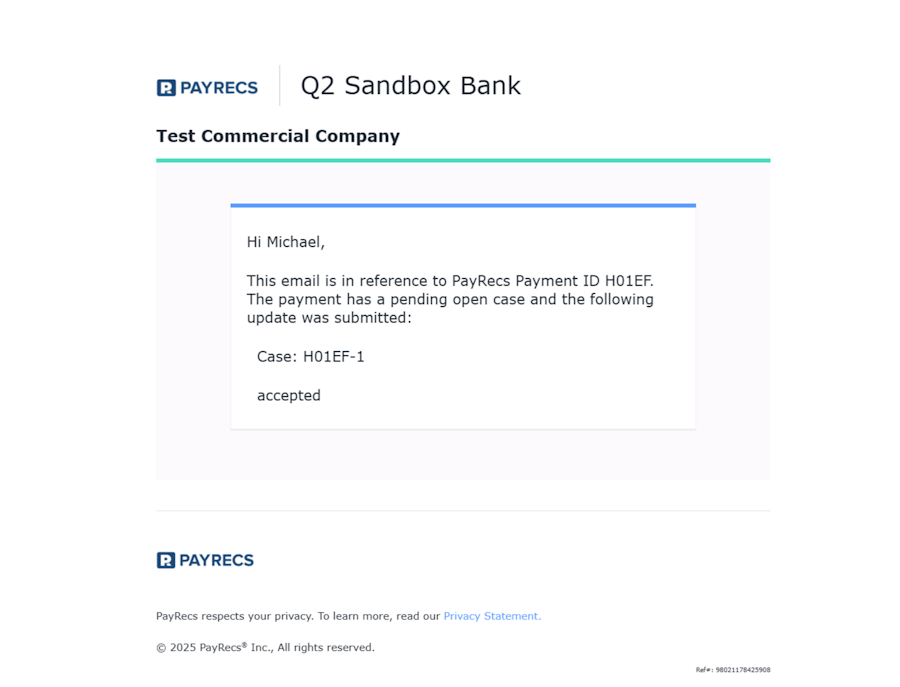
Email Notification End User Will Receive When Their Case is Resolved
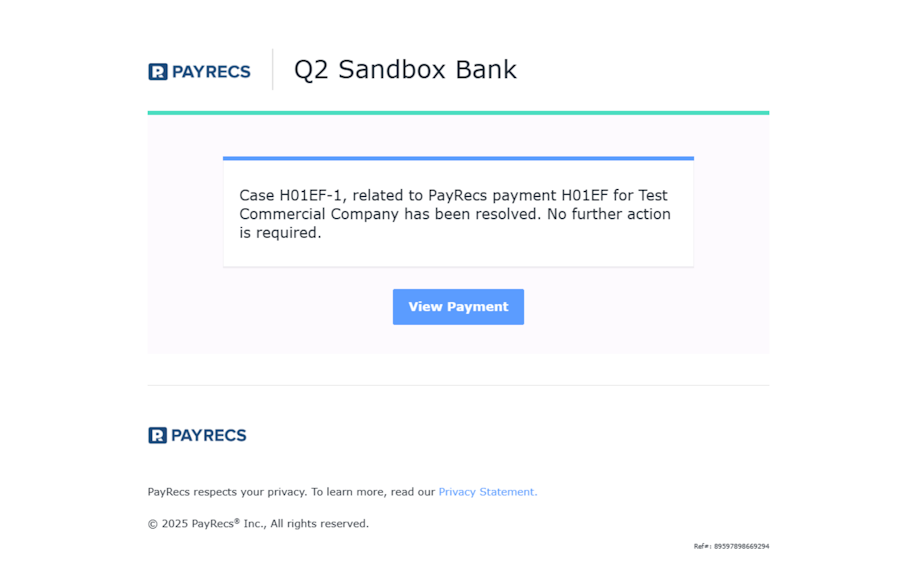
Recipient Users
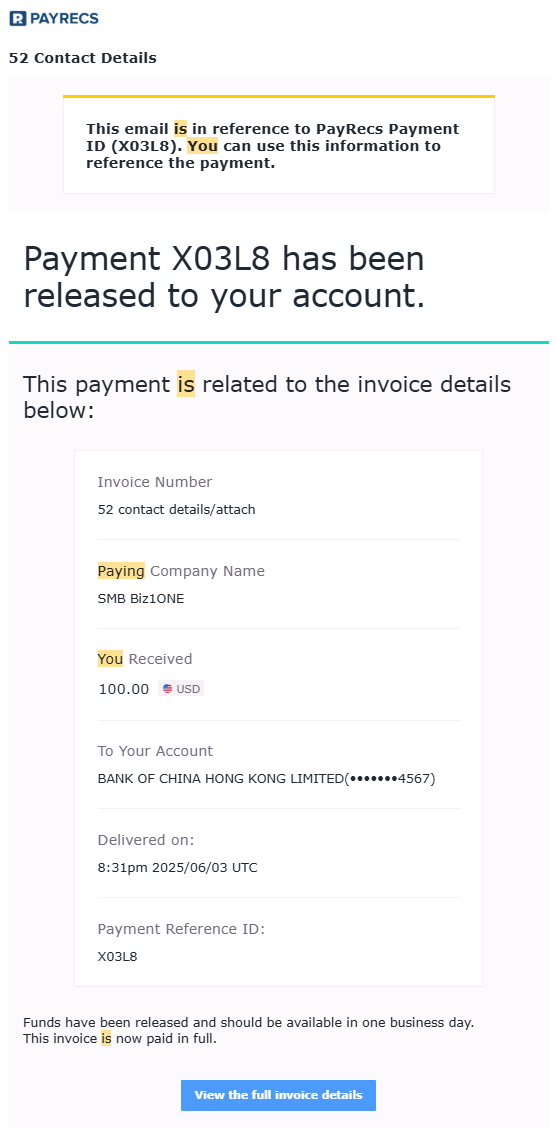
Recipient payment notification - released to the recipient when the payment has been approved and sent to the processor to release the payment.
Subject:“<sendingCompanyName> is paying you for "<Invoice #>" pid:<PaymentId>”
Want more detail on the notifications? Read our 📄 Advanced Back Office Notifications Guide